
Blog 2 of 4: Vision, Detection and the Pivot That Changed Everything
What "AI" Actually Means Here
Before getting into the build, it's worth being clear about what AI means in this context, because the word gets stretched to cover a lot of ground. This project doesn't use AI in the science fiction sense; the droid isn't thinking or making decisions the way a person does. What it's doing is running computer vision models: software trained on millions of images that has learned to recognize patterns, in this case human bodies and hand gestures. When the droid "sees" you, it's really a model analyzing each frame from the camera and identifying whether any of those patterns match a person. When it responds to a wave, it's because another model recognized the shape and motion of a hand. Fast, specific, and genuinely impressive, but a very different thing from general intelligence.
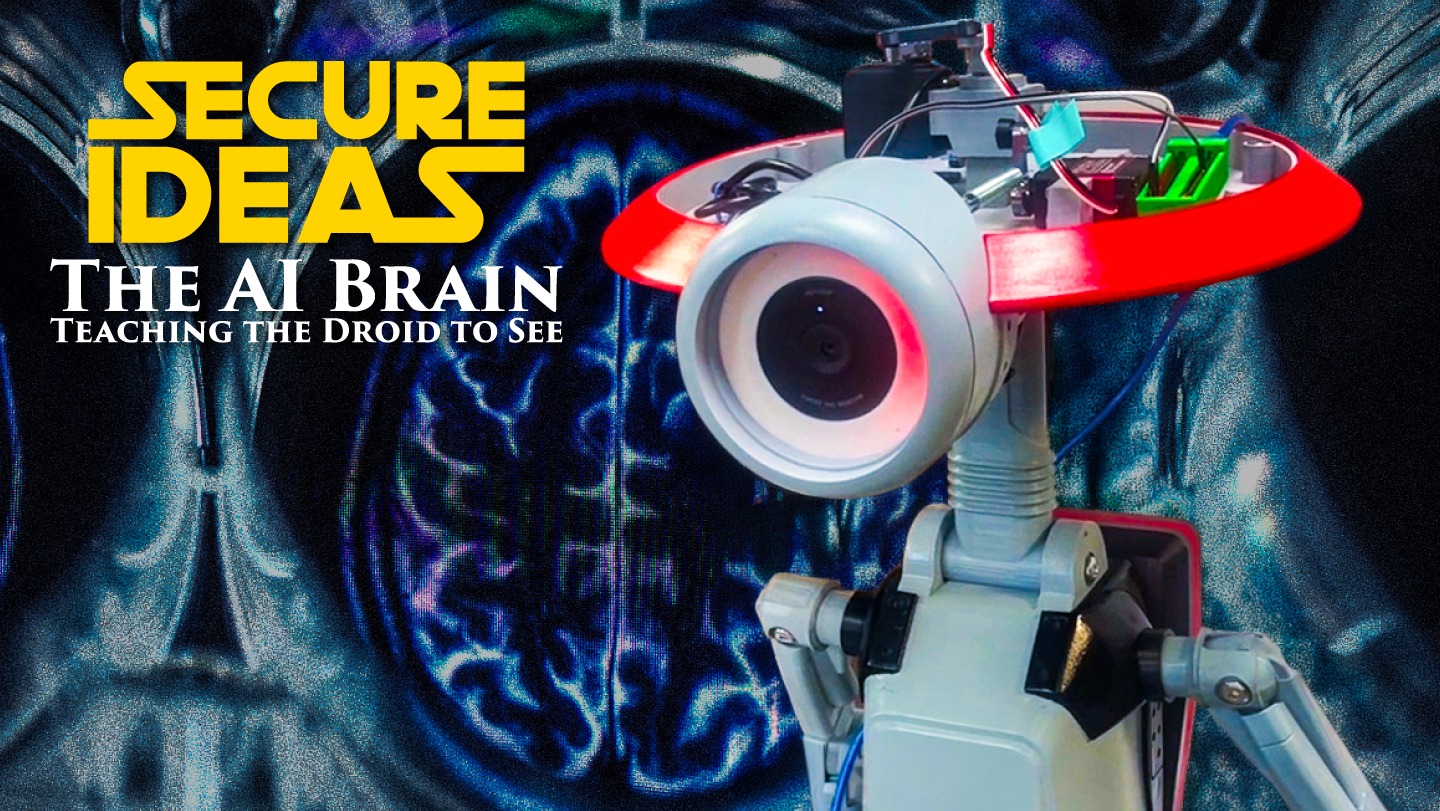
The reason this matters for the build is that these models are computationally expensive. Running them fast enough to feel responsive, analyzing a camera feed in real time rather than with a noticeable delay, requires dedicated hardware. That's where the NVIDIA Jetson Orin Nano comes in. It's a small, power-efficient computer with a built-in GPU designed specifically for running AI models at the edge, meaning locally on the device rather than sending data to a server somewhere. For a droid that needs to work at a convention with no reliable internet, that matters a lot.
First, Just Getting It to Work
Getting the Orin Nano running in a way that actually supported what I wanted to do turned out to be a bigger hurdle than expected. The operating environment that ships with the board had a version mismatch between its AI acceleration libraries, the software layers that let the GPU run machine learning models efficiently, and the versions expected by the tools I needed. Think of it like trying to run software that requires a specific version of a framework and finding out the installed version is incompatible. The fix was to build the machine learning framework I was using from source code directly on the Orin Nano itself, compiled specifically for its hardware. It took about two hours and involved more troubleshooting than I'd like to admit.
When it finished and I ran the first detection test, the frame rate counter read 1.5 frames per second, essentially a slideshow.
The GPU clearly wasn't being used. After some digging I found the issue: the detection model wasn't being explicitly told to run on the GPU rather than the regular processor. It came down to this:
# Load the model - but without telling it where to run,
# it defaults to CPU and crawls at 1.5 FPS
self.model = YOLO('yolov8n.pt')

# This one line moves inference to the GPU - 20+ FPS
self.model.model.cuda()
One line. The counter jumped to over 20 frames per second. That moment is hard to overstate. Going from a slideshow to smooth, real-time detection on a board the size of a deck of cards was when the whole project felt real.
Human Detection and Head Tracking
With the hardware running properly, human detection was handled by YOLOv8, a widely used computer vision model that can identify objects in images in real time. Trained on a massive dataset of labeled images, it's learned to recognize people and draw a bounding box around them in a camera frame with impressive accuracy and speed. That box is the foundation everything else builds on.
From the box drawn around a detected person, I take the upper portion as an estimate of where the head is, then compare that position to the center of the frame to figure out how to move the servos. Here's the actual function that does it:
def calculate_head_position(self, bbox):
    x1, y1, x2, y2 = bbox
    head_x = (x1 + x2) / 2   # horizontal center of the box
    head_y = y1 + (y2 - y1) * 0.2   # 20% down from the top
    return (head_x, head_y)
A simple control loop then takes that position, measures how far it is from the center of the frame, and adjusts the pan and tilt servos accordingly. Add a small tolerance zone around center to prevent jitter, limit how often the servos update so the movement looks smooth rather than twitchy, and you have a droid that follows you when you walk in front of it.
It sounds simple in retrospect, and in some ways it is, but getting the servo directions right, tuning the responsiveness so the head moves naturally rather than snapping around, and making it stable when multiple people were in frame all required real iteration. The web streaming interface I added early on helped a lot. Being able to pull up a live view on my iPad showing exactly what the camera saw, with detection boxes and tracking points overlaid, meant I could tune the system without needing someone else to stand there holding a laptop.
The Original Plan: Age Classification
Once tracking was solid, the next goal was to make the droid respond differently to different people. The original vision was age classification: use a second AI model to distinguish adults from children, then have the droid react accordingly. Different arm positions, different LED colors, a way to give the droid something like awareness of who it was talking to. It felt like the right next layer to add, and the Orin Nano had plenty of processing headroom to run a classification model alongside detection.
The results were immediately humbling. A twelve-year-old was classified as an adult with 98% confidence. The same adult, tested multiple times in quick succession, got confidence scores of 74%, 77%, 98%, and 99% for the same person, from the same camera, seconds apart. The model wasn't bad exactly; it just wasn't built for real-world conditions: arbitrary camera angles, inconsistent lighting, people not cooperating by standing still and facing forward. There was no reliable threshold I could set to consistently separate adults from children.
I tried to salvage it. I added a face quality check to only run classification when the face was clearly visible. I built a caching system so the expensive classification would only run once per person rather than every frame. The caching had its own problems: the system was identifying individuals by where they appeared in the frame, and small natural movements kept causing it to treat the same person as someone new. At one point a single person standing still generated four consecutive "new person detected" events in quick succession.
By October I had spent months on it and had to be honest with myself. It wasn't going to be reliable enough to actually use, and Maker Faire was in November.
The Pivot
The decision to abandon age classification came out of a specific moment. My wife walked in while I was testing, smiled and waved at the droid, and it just tracked her. Head followed her around the room. That was it. No response to the wave, nothing to acknowledge the smile. The droid was watching but not seeing, in any meaningful sense.
That interaction reframed what the project actually needed to be. Age classification was solving for something I'd invented: distinguishing adults from children to trigger different arm positions. Gesture recognition was solving for something real: a person trying to interact with the droid and the droid responding. The "wow" moment was never going to come from the droid silently raising a different arm based on your age. It was going to come from the droid waving back.
I switched to MediaPipe Hands, a tool from Google that tracks the position of hand landmarks in real time and can recognize gestures from them, no custom model training required. It could detect waves, thumbs up, and pointing reliably in a controlled environment. The tradeoff was performance. Unlike the human detection model which runs on the GPU, MediaPipe runs on the regular processor, and adding it to the pipeline brought the frame rate down from 20+ to around 13.
What It Actually Looks Like
Gesture detection runs on every tenth frame with a cooldown between triggers to avoid firing repeatedly on a single wave. When a gesture is detected, the whole droid responds at once: arms move, the LED ring shifts color, and a sound plays. A wave gets a rainbow pulse on the LEDs and the arms come up. A thumbs up gets a green flash. Pointing gets a spotlight effect. Each response lasts two to three seconds before the droid returns to tracking mode.
The engagement logic, deciding which person in a busy environment the droid should pay attention to, ended up being almost as important as the gesture detection itself. Without it, the droid would constantly switch between people as they moved in and out of frame, which looked frantic and wore the servos out. The filter I built means the droid only commits to someone who is actively approaching the camera, has been standing in frame for a couple of seconds, or has already gestured. Everyone else gets observed but ignored. It made the droid feel present and intentional rather than reactive to every passing movement.
Building It with Help
I mentioned in the first post that I'd been using a Claude Project as part of the development process, and the pivot away from age classification is a good example of how that worked in practice. I'd been going back and forth for weeks on whether the age classification approach was salvageable. Working through the problem in that context, laying out what was failing, what I'd tried, what the actual goal was, helped me see more clearly that I was optimizing for the wrong thing. Having the full project history, code, and decisions in one searchable place also meant I wasn't reconstructing context every time I sat back down to work on it.
Where Things Stood
By November the droid had working human detection at over 20 frames per second, gesture recognition for waves, thumbs up, and pointing, synchronized LED and audio responses, the engagement filtering system, and a web interface I could pull up on my phone to monitor and control it remotely.
To put the frame rate numbers in context: at 20 FPS the droid's head movement is smooth and the detection feels instantaneous. At 13 FPS, with gesture detection added, tracking still works but you can start to feel the difference in responsiveness. Drop below that, as happened in a crowded convention hall where the CPU was juggling more than it could handle, and the head movement becomes visibly choppy and gesture detection starts missing. That's the problem MediaPipe on CPU creates, and it's why moving gesture detection to the GPU is the first thing on the post-Maker Faire list.
For November though, it was good enough to ship.
Next up: the physical build, the electronics, and what it actually takes to put all of this inside a 3D-printed droid and keep it running for hours in a crowded hall.