
Blog 1 of 4: Introduction
How It Started
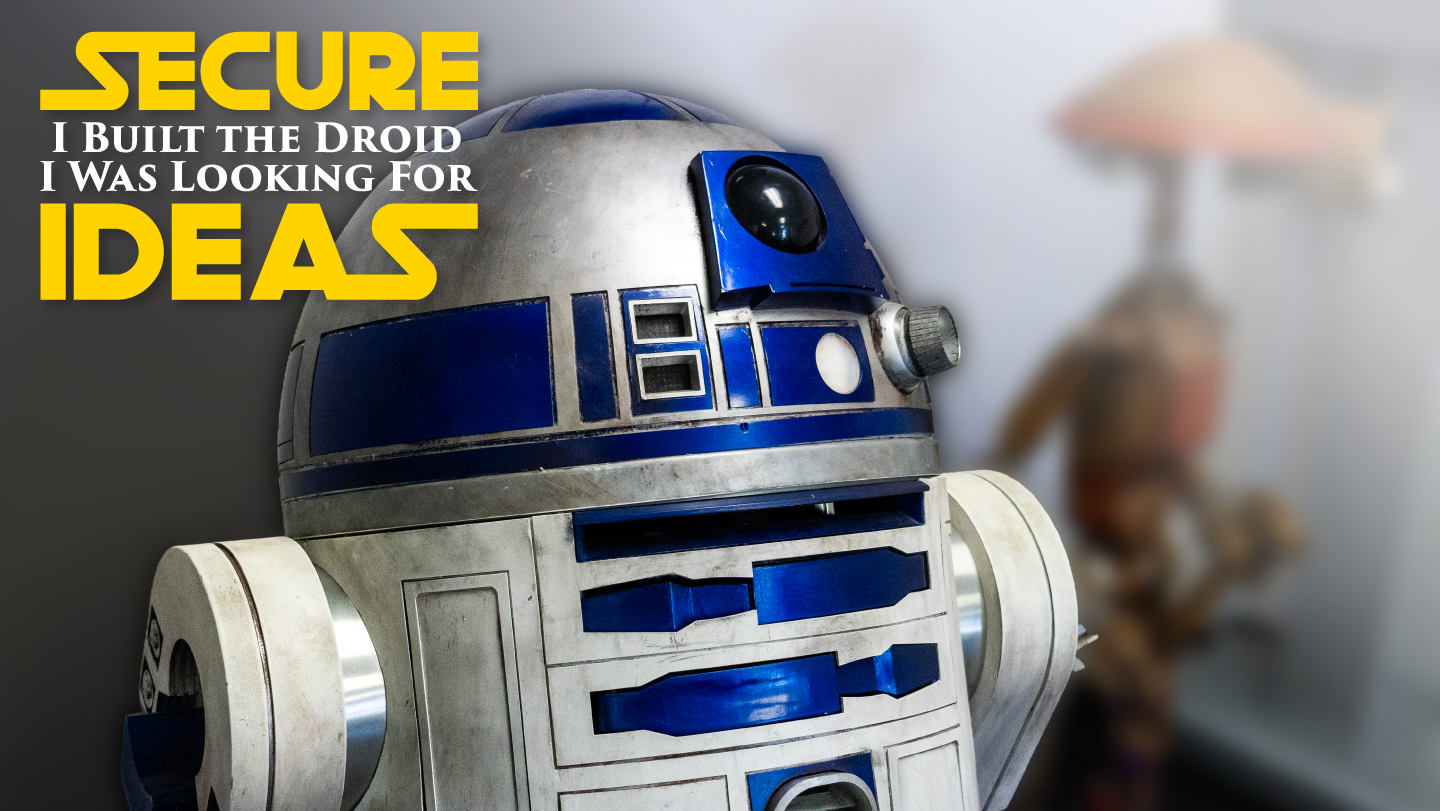
Growing up, robots and droids were always more than just science fiction to me; they felt like a promise of what was possible. R2-D2 in particular had an outsized influence, and when I discovered in 2012 at Star Wars Celebration in Orlando that people were actually building full-size, fully functional replicas, something clicked. I joined the R2 Builders Group and the 501st Legion, started absorbing everything I could from the forums, and promptly got completely overwhelmed by the depth of knowledge required. I shelved the idea for two years before finally committing, collecting parts, and spending the next 18 months building my own R2. Along the way I learned to solder, wire electronics, write control code, and fabricate parts I couldn't buy, skills that have shaped everything I've built since.
Taking R2 to hospitals, charity events, and conventions changed the way I think about the hobby. Watching a kid in a hospital bed light up when a little droid rolls up to them is something that stays with you. That experience pushed me to keep building, not just for the technical challenge, but for what these characters mean to people. Over the years I've added animation to LO-LA, Leia's droid from the Obi-Wan Kenobi series, and worked with a local builder named Chuck on a collaboration to animate Huyang, the ancient droid professor from Ahsoka. Each build pushed me further into electronics and automation, and each one raised the question of what else I could do.
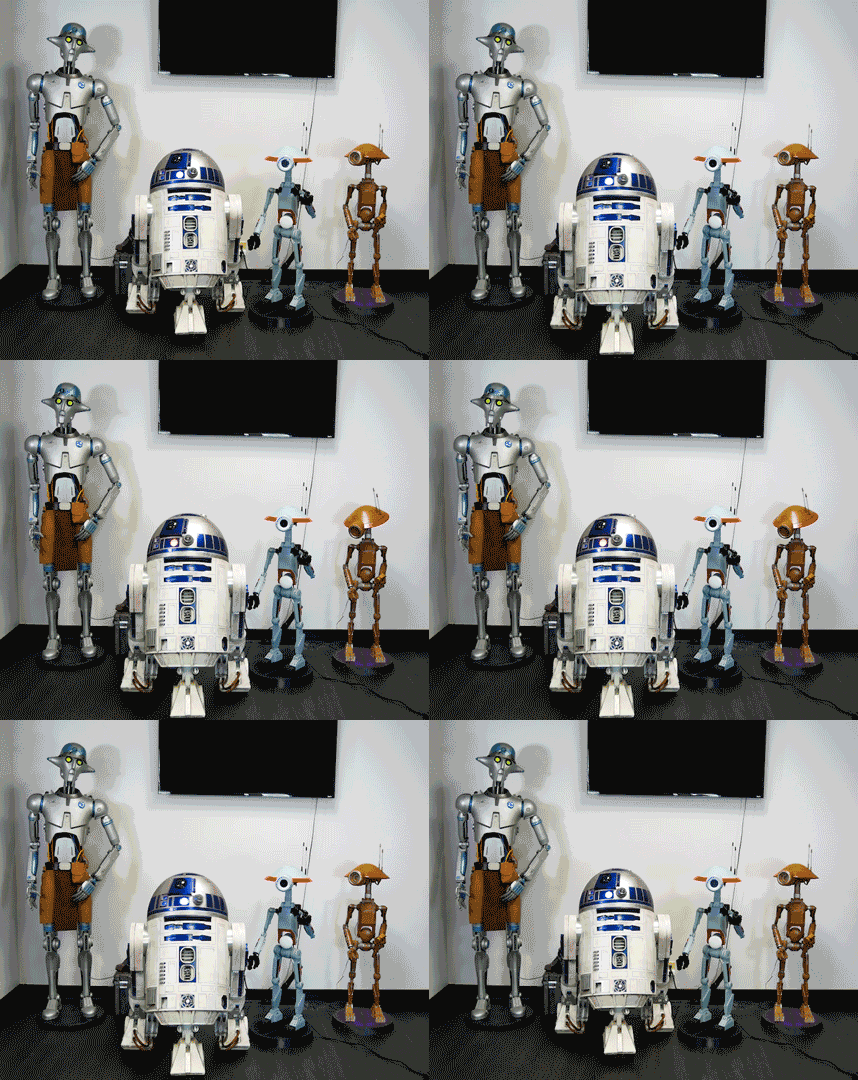
In my day job I work in cybersecurity, and over the past several years I've had a front-row seat to how fast AI has matured. I've watched it go from a novelty to something that can genuinely do useful things, and I've been looking for a way to bring that into the droid-building world. This project is that attempt.
The Spark
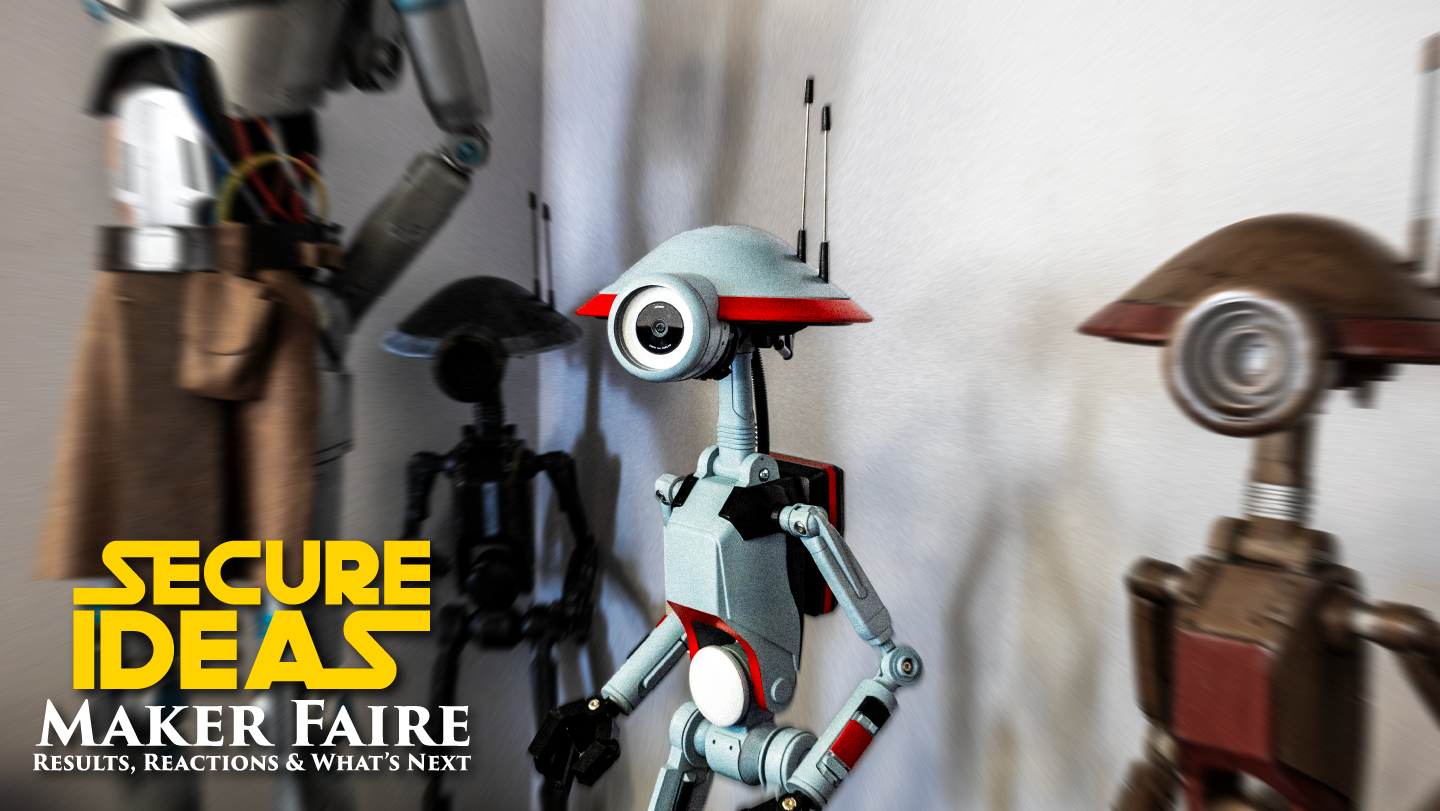
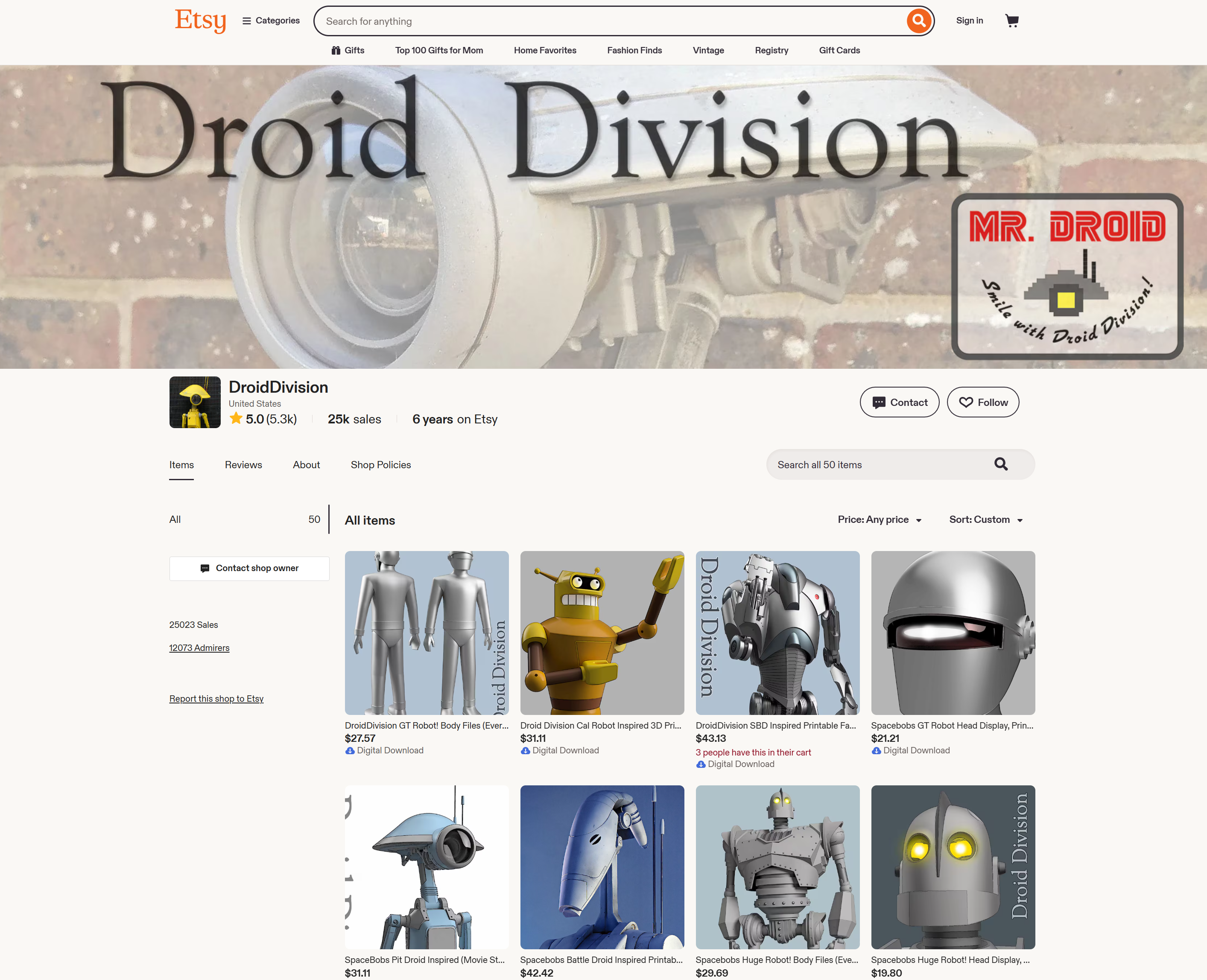
My Pit Droids were built from files by Droid Division, a designer with an Etsy store and an active Facebook build group where members have taken the original static files and modified them for increasing levels of animation. I'd already built one with an animatronic head and was researching my next build, one with torso and arm movement, when I came across an NVIDIA blog post about someone who had built an AI-powered Pit Droid using a Jetson platform. It was exactly the kind of intersection I'd been thinking about, and it immediately reframed what I thought was possible with a build like this.
I didn't want to just replicate what had been done. I wanted to push it further: more interaction, more responsiveness, more personality. The NVIDIA post became the starting point, and you can read it here: Developer Taps NVIDIA Jetson as Force Behind AI-Powered Pit Droid
Why a Pit Droid?
The DUM-series Pit Droids from Episode I are an interesting choice for this kind of project because their design is naturally expressive, with a mobile head, articulated arms, and proportions that read as humanoid without being uncanny. Their canonical personality in the films is curious and a little comedic, which maps well to the kind of reactive behavior I wanted to build. From a practical standpoint, Droid Division's files gave me a community-tested foundation to start from, and the FDM 3D-printed construction makes parts easy to repair or replace when something breaks at a convention, because something always breaks at a convention.
The Brain: NVIDIA Jetson Orin Nano
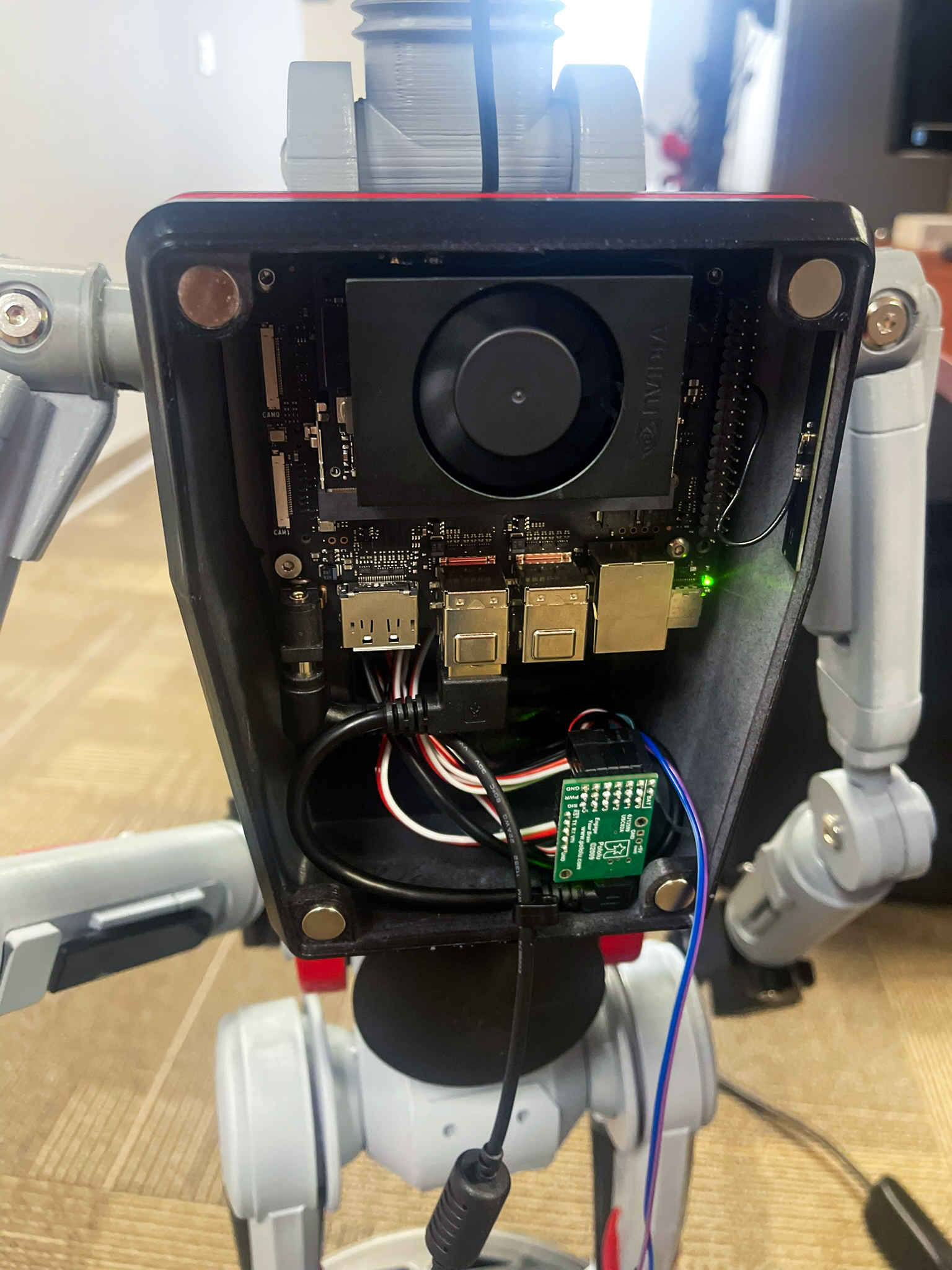
The Jetson Orin Nano is a compact edge AI module with an onboard GPU capable of running real-time inference without any cloud dependency. For a convention floor with no reliable internet, unpredictable crowds, and hours of continuous operation, that matters a lot. The alternative I considered was a Raspberry Pi paired with a Google Coral accelerator, which is a capable and cheaper setup, but it doesn't run PyTorch or TensorFlow natively on GPU and has less headroom for stacking multiple AI tasks on top of each other. Once I decided I wanted to layer human detection, gesture recognition, and potentially more, the Orin Nano was the right call. It runs YOLOv8 at over 20 frames per second on the GPU while leaving the CPU free for everything else: servo control, LED effects, audio playback, and the web interface I use to monitor the droid remotely.
The Supporting Hardware
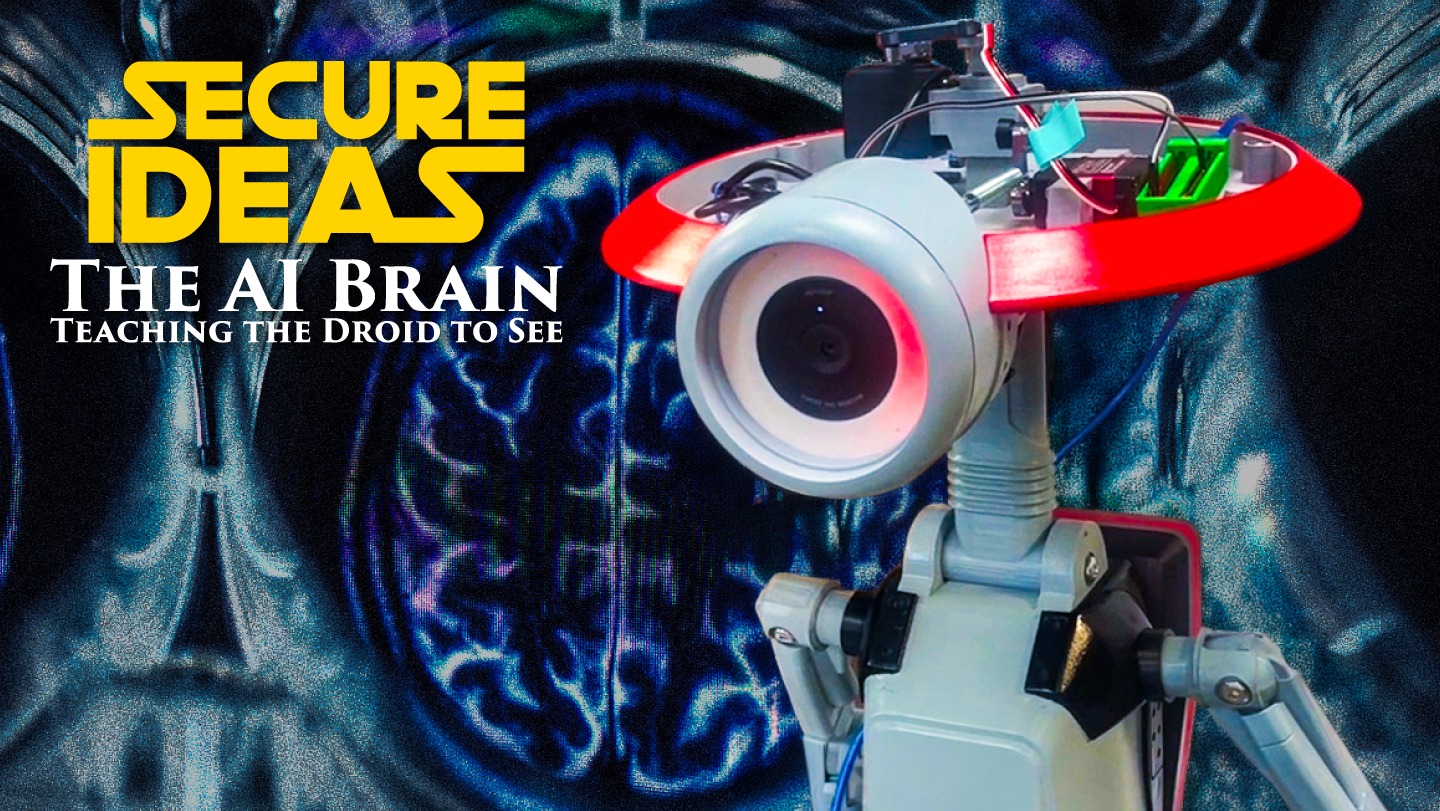
Beyond the Orin Nano, a few components do most of the heavy lifting. A Pololu Maestro USB servo controller handles the head pan/tilt and arm movements, giving precise control that communicates cleanly with Python. An Arduino Nano drives a WS2812B addressable LED ring mounted in the droid's head, which turns out to do a lot of the personality work, shifting between a red KITT-style scanner when the droid is searching, solid blue when it's locked onto someone, and gesture-specific color effects when it responds to a wave or thumbs up. A USB camera feeds video to the Orin Nano, and a Waveshare USB audio adapter handles sound through a small internal speaker using pre-recorded WAV files, which keeps the CPU load near zero compared to synthesizing audio on the fly.

The software stack is all Python: YOLOv8 via Ultralytics for human detection, MediaPipe for gesture recognition, OpenCV for camera and frame processing, and custom controllers for the servo, LED, and audio layers.
An Unexpected Development Partner
One thing I didn't anticipate when this project started was how much I'd end up leaning on an AI assistant as part of the development process. Throughout the build I've been using a Claude Project, a persistent workspace for the technical documentation, design decisions, and code history of the project, and it's become something closer to a development partner than a search tool.
The practical value shows up in the small moments. Debugging a servo timing issue at 11pm, I can describe what's happening and get a response grounded in my actual code rather than a generic answer. When I hit a wall with MediaPipe performance, working through the problem in that context helped me understand the tradeoffs well enough to make a real decision. It's also been useful as a kind of long-term memory for a project that's been running for months across a day job and a hobby schedule. I'll touch on this more as the series goes on, because the collaboration itself has been an interesting part of the build.
What's Coming in This Series
The target for this project was always something specific: a droid that could detect people in real time, follow them with its head, recognize when someone waves or gestures, and respond with coordinated movement, lights, and sound, reliably, for hours, in a crowded convention hall. The droid made its first Maker Faire appearance in November 2025, and the next three posts will cover how we got there.
Blog 2 of 4: The AI Brain: Getting YOLOv8 running at 20 FPS on the Orin Nano, building the gesture detection pipeline, and the performance challenges that came with layering multiple AI models.
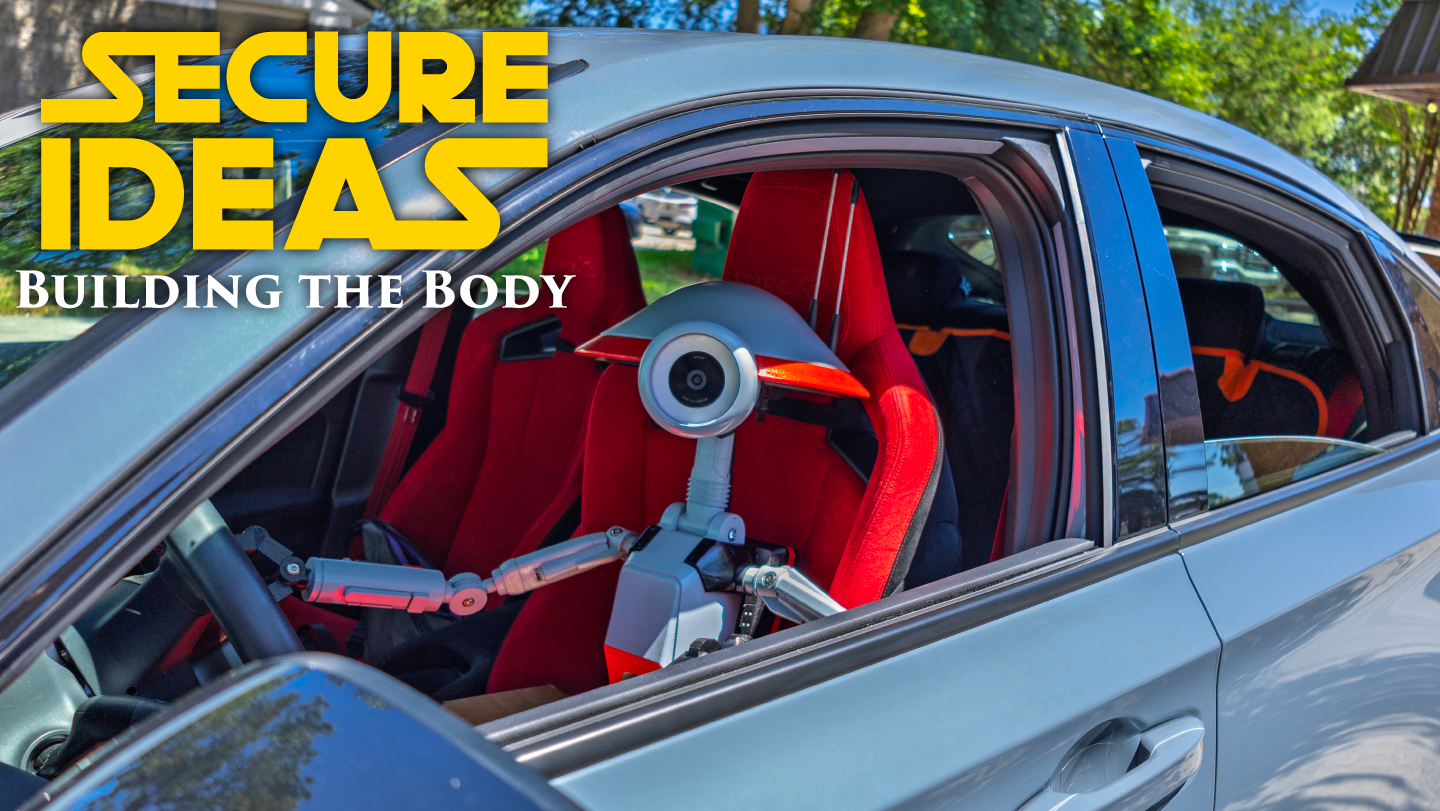
Blog 3 of 4: Building the Body: The physical build, electronics integration, servo and LED wiring, audio, and getting everything convention-ready.
Blog 4 of 4: Results and What's Next: How the droid performed at Maker Faire, what worked, what didn't, and where the project goes from here.
If you're a Star Wars fan, a maker, or just curious about what it takes to put real AI into a prop, I hope this is worth following. I'll share code, honest lessons, and the parts that didn't work the first time.