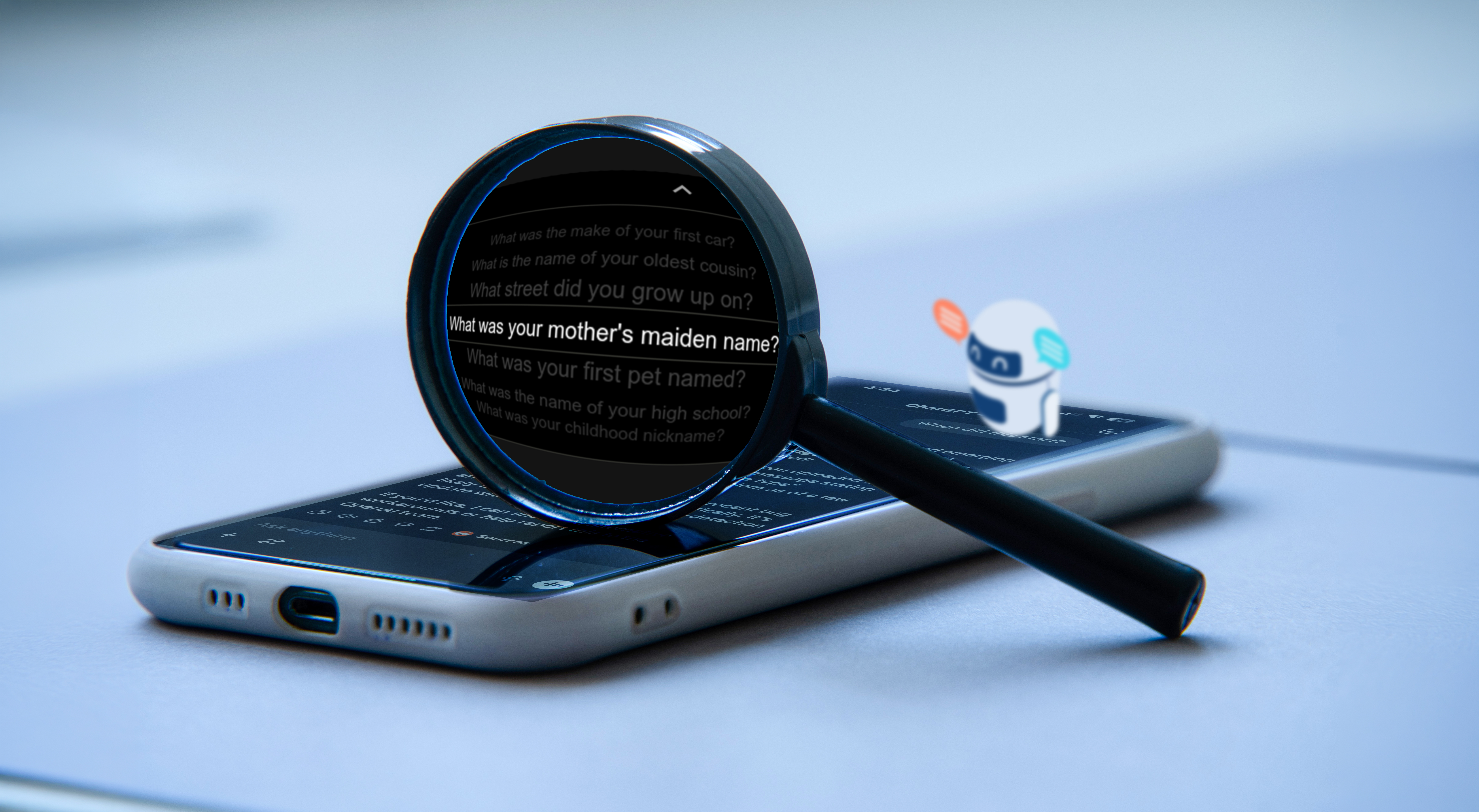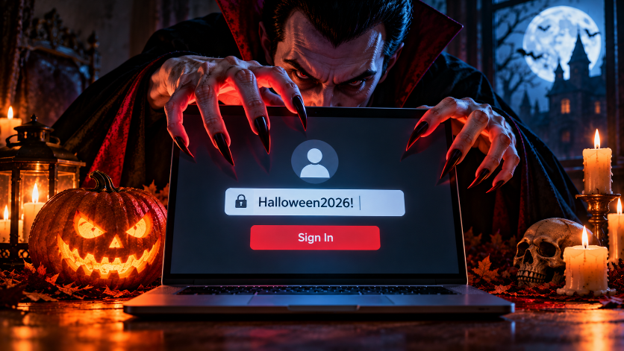

With Halloween right around the corner, let's talk about your dark secret from the distant past that could really come back to haunt you: that password you've been using since 2015.
Don't lie... You know the one.

You've changed it a bit here and there over the years. Maybe you've added an exclamation point, changed the year at the end, or capitalized a letter because a website told you your password wasn't strong enough. And if you're anything like most people, you've probably used it on more than one website.
I get it. Before I got into information security, I'll admit, I was guilty of doing this myself. Between shopping, streaming services, social media, banking, and everything else we do online, keeping track of dozens of passwords isn't fun. But here's the problem:
Your password is only as strong as the weakest website. It only takes one website getting breached to give an attacker access to all your websites.
And unlike the phishing scams we talked about in my previous article, you don't have to click anything or make a mistake for this to happen. Per Data Breach Statistics 2026, there were 3,322 breaches in 2025, representing 278.8 million notices being sent out to users.
One Password, Multiple Victims
Let's say you sign up for a website to buy something. You create an account, use your usual email address, and enter the same password you've been using for years. You make your purchase and forget about the website entirely.
A few years later, that company suffers a data breach. Customer information is stolen, including email addresses and password data. Depending on how the company stored that information, attackers may be able to recover some of those passwords.
And that's where things get interesting for an attacker: They now have your email address and password, but they're about as interested in that website as you are. Instead, they're interested in the credentials themselves. They can start trying those same credentials on other services, like your Gmail, Amazon, Facebook, and anything else they think you might use.
This is known as credential stuffing.
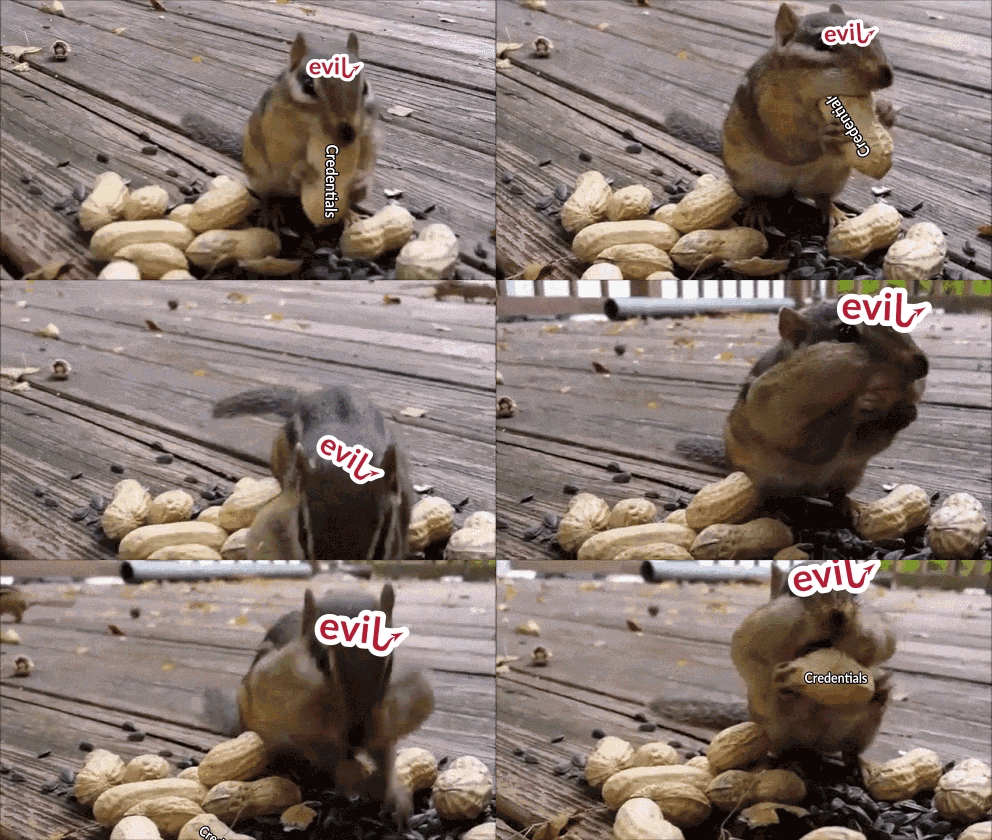
Rather than guessing passwords over and over, attackers will use credentials obtained from previous breaches, then test them against other websites, often using automated tools. If you've reused that password somewhere else, there's a very high chance they'll get into those accounts too.
Think of it like having one key that opens everything you own. Your house, your car, your garage, and your office. Losing that single key suddenly becomes a much bigger problem. That's essentially what password reuse does to your online accounts.
The Password That Came Back From the Dead
Something that might surprise you is just how long a stolen password can remain useful to an attacker. A website might have been breached five or ten years ago, but the information stolen from it doesn't necessarily disappear. That data can continue circulating online, getting repackaged into new collections and used in future attacks. And if you're still using the same password today, it doesn't really matter how old the original breach was.
Let's say your password is Halloween2026!.
You type it in. It's got an uppercase letter, lowercase letters, numbers, and a special character. The website's little password complexity meter says it's "strong" and satisfies the password requirements of several websites. But if you're using it on multiple websites or apps, none of that complexity prevents someone from trying it on another account after it's been stolen.
A strong password that's reused across multiple accounts is a serious security risk.
And changing Halloween2026! to Halloween2027! is not much of an improvement either. Attackers know people make predictable changes to passwords, and those variations can be tested too, and even more so with the use of scripting and automation.
The Accounts Lurking in the Shadows
Think about how many websites you've signed up for over the years and completely forgotten about. Maybe you created an account to get a deal on something that was too good to pass up. Maybe it was an old gaming forum, a store you bought stuff from once, or a service you tried for a week and then ditched. Those accounts don't just disappear because you stopped using them. Some may still contain personal information, old addresses, saved payment details, or passwords you've reused elsewhere.
The problem is that your information could still be sitting in their database years later, and if that website suffers a breach, your information could be part of it. Ideally, you could delete any accounts you no longer use, but that's not always as simple as it sounds.
Some websites make it easy. Others require contacting customer support, and some may not offer an obvious way to delete your account at all. In the United States, not every company is required to offer account deletion or completely remove your personal information upon request.
If you can delete an account that you no longer need, great, do that. If you can't, at least make sure it isn't using a password you still use somewhere else.
You can also remove saved payment information and other unnecessary personal details if the website allows it. There's no reason to leave more of your personal information sitting around on websites you don't even use anymore.
After all, just because you've forgotten about an account doesn't mean it's forgotten about you.
Your Email Is the Master Key
Of all the accounts you have, your primary email account is probably one of the most important. Think about it: When you forget your password to a website, what do you usually do? You click "Forgot Password," enter your email address, and wait for a password reset link.
Now imagine someone else has access to that inbox. Depending on the security protections of your other accounts, they may be able to request password resets, intercept account notifications, and potentially gain access to additional services. Your email account can essentially become a gateway to everything else.
If you're wondering which passwords you should change first, I'd start with your primary email account. After that, I'd prioritize financial accounts, shopping websites with saved payment information, and anything else containing sensitive personal information.
You don't have to fix everything at once, start with the accounts that would cause the most issues if someone gained access to them.
The Magic of Password Managers
Here's where a lot of traditional password advice falls short. We're constantly told to create long, complicated, unique passwords for every account. That's great advice in theory, but how is the average person supposed to remember 40 or 50 different passwords?
They're not.
That's exactly why you should use a password manager. A password manager is an application that securely stores your credentials and can generate random passwords for each account. Instead of using a weak password like Halloween2026!, which as shown below, takes only hours to successfully crack.
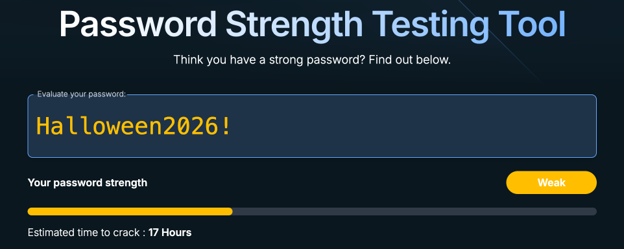
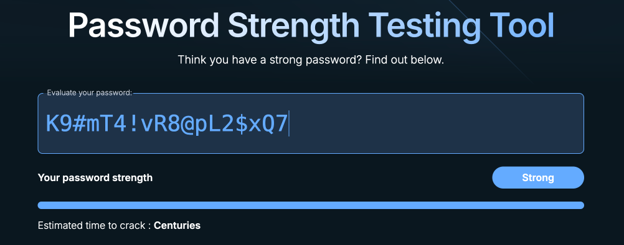
On the other hand, you could have a password that looks like this:
K9#mT4!vR8@pL2$xQ7
Which the screenshot below shows takes much longer to crack.
A new issue now arises: do you want to memorize that? I know I sure don't.
Fortunately, I don't have to. A password manager remembers it for me, and when I need to log in, it can fill in the credentials. There are several reputable options available, including Bitwarden, 1Password, and the password managers built into Apple and Google devices.
Whichever one you choose, make sure you protect it with a strong master password and enable additional account protections like Two-Factor Authentication (2FA) where available. In the end, the biggest advantage of this isn't just convenience, it's that every account can have a completely different password. If one website suffers a breach, the stolen password shouldn't unlock anything else.
Has Your Information Already Been Exposed?
Now for something you can actually get hands on with and check yourself. There's a free service called Have I Been Pwned, available at haveibeenpwned.com. This website allows you to enter your email address and check whether it appears in a database of known data breaches.
If your email address shows up, don't immediately assume someone has access to your accounts. Not every breach involves passwords. Sometimes the exposed information includes names, email addresses, phone numbers, or other personal data. But it's still a very useful way to find out whether your information has appeared in a known breach and which services were involved. If you discover an account associated with a breach, review what information was exposed and whether you're still using the affected credentials.
It's also worth remembering that no breach database contains everything. Just because your email doesn't show up, doesn't mean it has never been exposed.
A Little Password Housekeeping
I wouldn't expect anyone to finish reading this article and immediately change every password they've ever created.
But if you're looking for somewhere to start, here's what I'd focus on.
- Start with your email. Make sure your primary email account has a unique password that isn't used anywhere else.
- Get a password manager. Pick one you're comfortable using and start letting it generate passwords for you.
- Fix your reused passwords. Start with financial accounts and other important services, then work through the rest of them over time.
- Check for known breaches. Use Have I Been Pwned to see whether your email has appeared in publicly documented incidents.
- Clean up old accounts. If you haven't used something in years and don't need it anymore, consider deleting it. If deletion isn't an option, remove any sensitive information and reset the password.
Don't feel like you need to accomplish all five today. Even fixing a handful of important accounts is a good start, and you can work on the rest between now and Halloween.
Don't Let Your Undead Passwords Come Back to Bite You
The internet isn't going to stop having data breaches, and unfortunately, we don't get to control how every company stores or protects our information. What we can control is how much damage one of those breaches might cause us.
If every account has a different password, someone stealing your credentials from one website shouldn't automatically give them access to five other, more important ones.
You also don't need to memorize dozens of complicated passwords or spend hours managing them. Let a password manager handle that part, use unique credentials, and clean up the accounts you no longer need.
Don't let one stolen password come back from the dead and drain every account you own.
Want to test how your organization handles credential-based attacks?
Credential stuffing, password spraying, and reuse are exactly what our team tests for during penetration engagements. If you want to know what an attacker could access with leaked credentials, reach out.
Contact Us