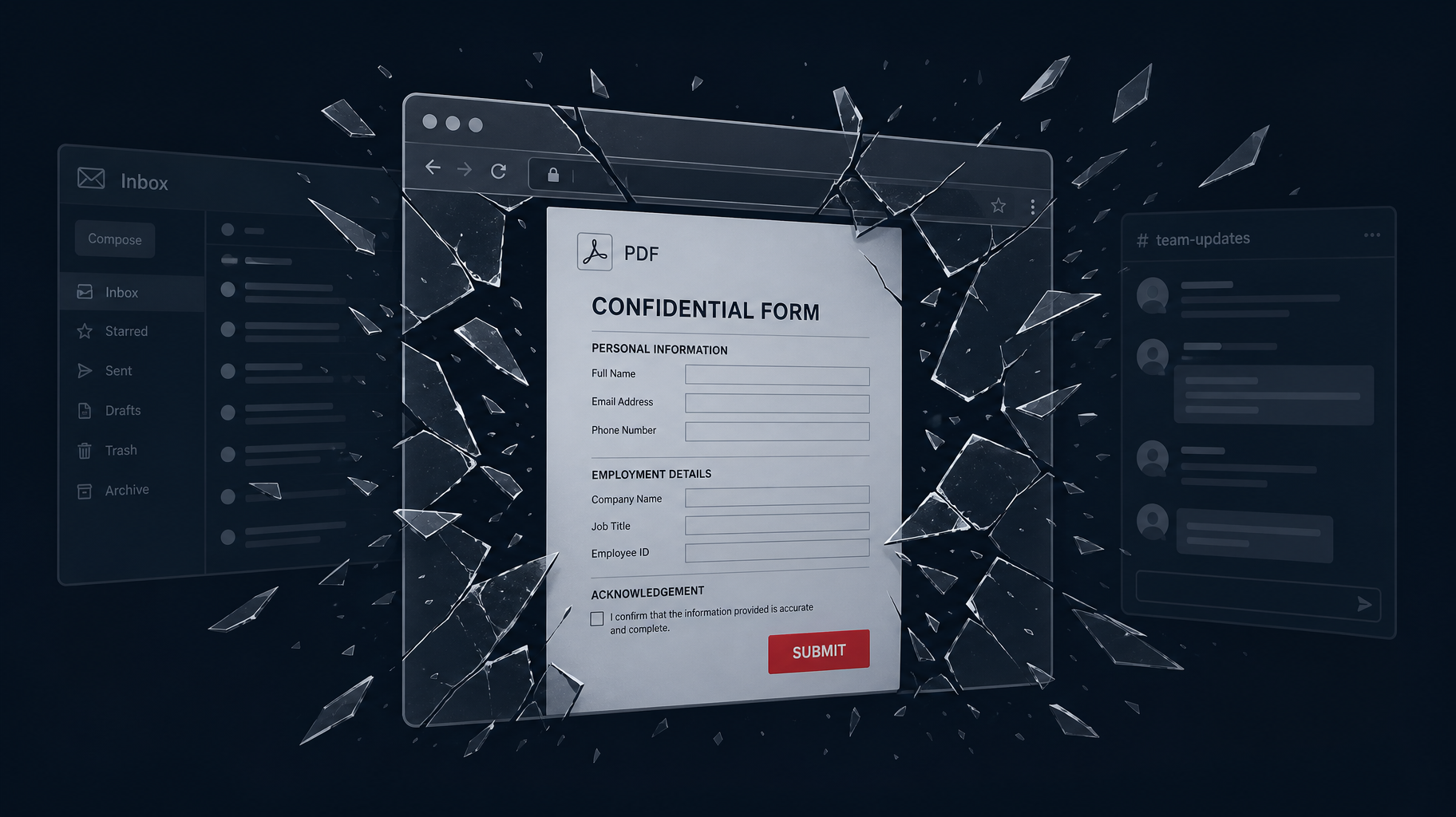

After presenting this research at security conferences this year, I was expecting the usual post-talk questions like "what tools did you use?", "does this also work on mobile?", or a compliance officer asking if PDF forms are covered under their DLP policy. What the audience did instead was take the research to its next logical boundary. The browser is just one rendering context. The question is how many other environments share the same conditions, and whether this attack vector extends beyond the browser to other applications.
The talk focused on how embedded PDF forms using the /S /SubmitForm action can bypass browser PDF security controls and silently exfiltrate credentials via a standard HTTP POST. If you want the full technical breakdown before continuing, it is here: Bypassing Browser PDF Security
The attack works precisely because it requires no exotic exploits, and no traditional interaction-based social engineering beyond the visual design of the form itself. The browser renders the PDF in a trusted tab, the user sees a familiar password-reset prompt, enters their credentials, and the data is gone before anyone questions it.
The Question That Changed the Research Agenda
The specific scenario raised was Outlook's email preview pane. In many enterprise environments, Outlook renders PDF attachments inline, so the user sees the document without explicitly downloading or opening it. If a malicious PDF lands in the inbox and the user simply clicks on the email to read it, the preview pane may render the attachment.
Depending on how that rendering is handled, the /S /SubmitForm action could be fired before the user makes any deliberate choice.
This is a meaningful shift from the original attack vector. In the browser scenario, the user must still open the PDF. In the Outlook preview scenario, there is no action at all. The user does not open anything. They read their email, and the form submits.
If as a penetration tester, I'm running a phishing campaign against an enterprise target, I do not need the user to click a link, open a file, or confirm anything. I just need them to receive an email and look at their inbox.
The answer to whether this actually works in current versions of Microsoft Outlook is not simple, and I will be honest: I do not have a definitive answer yet. What I have is a test matrix that would make any QA engineer cry, and a lab environment ready to work through it.
The behavior depends on which PDF rendering engine is active. For example, Acrobat’s registered Preview Handler behaves differently from the native Microsoft PDF renderer. It also depends on whether Defender for Office 365 or similar endpoint protection intercepts the preview before rendering. Older Outlook versions with Acrobat as the default handler are significantly more permissive. Outlook for macOS introduces yet another variable, since it uses a different rendering stack entirely. Modern environments with hardened configurations may block the action entirely. The variables are enough that there is no single answer. It is a matrix, and that matrix deserves its own dedicated research and article. And be sure that this article is coming soon.
What the Original Research Already Answers
Before getting to what remains open, here is what the research does settle.
The attack works in Chrome, Firefox, and Edge under typical default configurations. The /S /SubmitForm action is processed by the native browser PDF renderer as a legitimate form submission. The user sees a styled form that matches the organizational interface and the application's branding. The layout is familiar, and the session context is already loaded in the same browser window. They submit their credentials believing it is routine. Behind the scenes, those credentials POST to an attacker-controlled endpoint.
This does not require admin access to anything. It does not require a compromised server or a vulnerability in the application. It requires a PDF file and a trusted rendering context. The trust is not broken, it is exploited.
The reason this works is not that browsers are vulnerable in the traditional sense. It is that the /S /SubmitForm action was designed to function as a legitimate PDF feature, and that design decision predates the assumption that PDFs would routinely render inside the same browser session where users are authenticated to critical applications.
The Delivery Vector Problem
The questions from the conference audience pointed to something worth naming directly: the attack technique and the delivery mechanism are separate concerns, and defenders often conflate them.
Most security controls are designed around delivery by blocking malicious URLs, scanning attachments for known malware signatures, flagging emails from suspicious domains. These controls make sense for the majority of the attacks. They do not make sense for this one, because the PDF itself is not malicious by any signature definition. It is a PDF with a form. It does not execute code. It does not drop a payload. A standard DLP scan that inspects file type and known exploit patterns will not flag it.
The attack surface, then, is not just "browser + PDF." It extends to any rendering context where the following conditions are true: the user is in a trusted environment, the renderer processes PDF form actions, and the rendered content is visually convincing enough to prompt a submission. That inherent trust is precisely what makes the vector effective and why offsetting it requires more active controls around untrusted content sources, not just on the perimeter defenses that assume the rendering environment itself is safe.
Email preview panes, embedded document viewers in enterprise portals, SharePoint previews, and Slack or Teams file previews… Each of these represents a distinct rendering context where the same form could load. Some will process the form action, while others will not. Many will partially render the form but not submit it. The behavior is inconsistent across platforms and versions, which is exactly what makes this worth testing and exactly why anyone claiming 'this is already patched' is speaking too soon.
What Is Still Open
There are several specific questions raised at the conferences that I intend to answer with dedicated research and follow-up posts. I will be direct about them here rather than leaving the audience to wonder.
The Outlook preview behavior with passive rendering and active form submission is the most urgent and exciting one. The contrast between passive rendering and active form submission is precisely what makes it worth testing first. The answer varies enough by environment and therefore requires additional testing across versions, configurations, and endpoint protection states.
Another open question is whether the same /S /SubmitForm mechanism functions in non-PDF formats that support form-like structures, certain ODT configurations, and HTML attachments rendered in preview.
Another open thread. The principle should transfer. Whether it does in practice, and under what conditions, requires validation.
Finally, there is a detection and mitigation question that the research raises but does not fully answer: if the attack does not trigger traditional malware signatures, what does effective detection look like? Network-layer inspection of unexpected POST requests from PDF-associated processes is part of the answer. Endpoint controls that restrict PDF renderer network access are another. But the complete picture, especially for organizations using browser-based PDF rendering in authenticated application contexts, is a conversation worth having in detail.
The Comfortable Assumption Is Still the Problem
Every person who asked a question after that talk was doing what good security practitioners do: they took the attack and extended it. They asked, "what if the vector is email?" and "what if the user never clicks?" and "does this work in Teams?" These are the right questions, and the fact that those questions don't have single clean answers is not a gap in the original research. It is the beginning of new research.
The original research was built on a realization: many organizations assume PDFs in browsers are safe because JavaScript is restricted. That assumption is wrong. The questions from the audience suggest a second, equally dangerous assumption that the attack requires the user to make a deliberate choice. That assumption may also be wrong.
A single talk opens a door. The right audience walks through it and starts mapping what is on the other side. That is exactly what happened here, and that is exactly what I love and what the next phase of this research will document.
Wondering how your organization would hold up against this kind of attack?
Our penetration testers use real-world techniques like these to identify gaps in your defenses before attackers do. If you want to know how your environment handles PDF-based phishing vectors, reach out.
Talk to Our Team